The era of robotic, monotone computerized narration is officially over. In 2026, neural voice synthesis models capture breath pauses, vocal inflection, subtle emotional emphasis, and natural conversational cadence with stunning fidelity. For YouTube creators running faceless automation channels, TikTok storytellers, and indie game developers, finding a dependable free AI voice generator is the ultimate cheat code to scaling content production without spending thousands of dollars on voice actors or expensive studio gear.
- Most Realistic Overall: ElevenLabs continues to dominate synthetic speech with its Turbo v2.5 model and generous 10,000 free monthly characters.
- Best Truly Unlimited & No Signup: TTSMaker allows unlimited text-to-speech generation without mandatory account registration or watermarks.
- Best for Short-Form Creators: CapCut Desktop/Mobile integrates high-engagement viral TikTok narrator voices with zero character limits and instant timeline syncing.
- Monetization Status: YouTube does not demonetize AI voices as long as the video script is original, educational, or transformative.
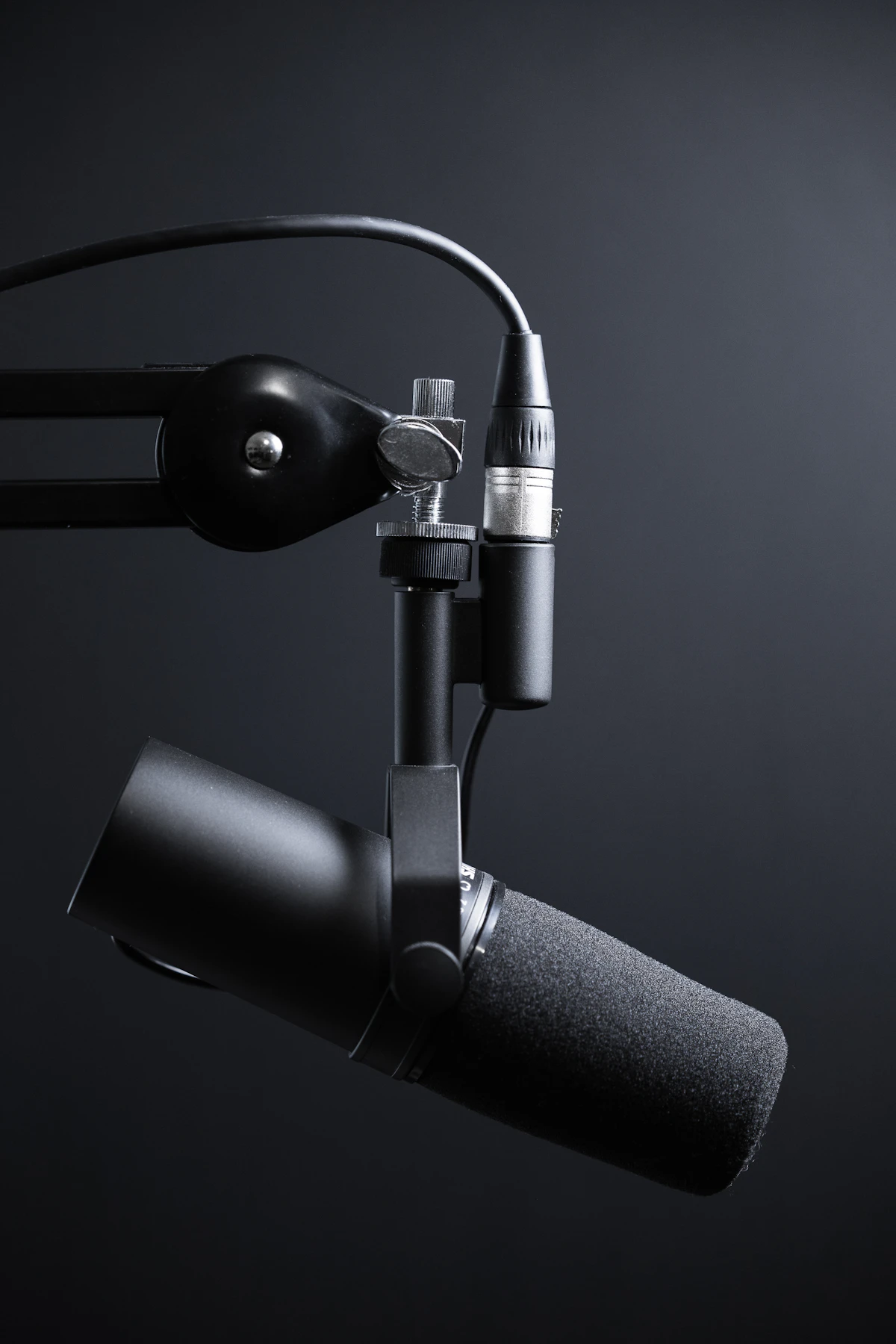
1. Comparison Matrix: 10 Best Free AI Voice Generators (2026)
We tested dozens of synthetic voice engines to measure character allowances, commercial licensing terms, and voice naturalness:
| Tool Name | Free Monthly Quota | Commercial Rights | Voice Realism | Best Use Case |
|---|---|---|---|---|
| ElevenLabs | 10,000 characters/mo | Attribution Required | 9.9 / 10 | Long-form documentary & storytelling |
| CapCut AI TTS | Unlimited | Free for Socials | 8.8 / 10 | TikTok, YouTube Shorts, Reels |
| Clipchamp (Microsoft) | Unlimited Export (1080p) | Full Commercial | 9.0 / 10 | Corporate explainers & tutorial videos |
| PlayHT | 12,500 characters | Attribution Required | 9.5 / 10 | Podcasts & audio publishing |
| TTSMaker | Unlimited (No Signup) | 100% Commercial Free | 8.5 / 10 | Quick scripts & zero-friction exports |
| Murf.ai | 10 minutes voice gen | Personal Only (Free) | 9.2 / 10 | E-learning & presentation voiceover |
| Speechify | 10 standard voices free | Personal Only | 8.7 / 10 | Audiobook & study document reading |
| Lovo.ai (Genny) | 14-day pro trial (free) | Non-commercial free | 9.3 / 10 | Character voices & gaming trailers |
| Descript Overdub | 1 transcription hr/mo | Commercial Included | 8.9 / 10 | Podcast editing & audio clean-up |
| NaturalReader | 20 min/day premium | Personal Use | 8.6 / 10 | PDF reading & pronunciation testing |
2. In-Depth Reviews of the Top 5 Free Voice Generators
1. ElevenLabs: The Undisputed King of Vocal Realism
ElevenLabs remains the industry gold standard in generative voice synthesis. Its proprietary neural architecture understands context, humor, sadness, and urgency, adjusting the pitch and pacing between sentences dynamically rather than reading individual words in isolation.
- Free Tier Specs: 10,000 characters per month (approximately 1,800 to 2,200 words, enough for two 8-minute YouTube scripts).
- Standout Features: Access to the legendary “Adam”, “Antoni”, and “Rachel” voices; custom voice design slider (adjusting stability, clarity, and style exaggeration); multi-lingual support spanning 29 languages.
- The Catch: The free tier requires creators to provide attribution in their YouTube video description (e.g., “Voiceover powered by ElevenLabs”).
2. CapCut AI Voiceover: Unlimited Short-Form Viral Engine
For creators focused on TikTok, Instagram Reels, and YouTube Shorts, CapCut (developed by ByteDance) offers the most efficient zero-cost production pipeline. Because the TTS engine runs natively inside the desktop and mobile video editor, you avoid downloading audio files separately and aligning them manually.
- Free Tier Specs: 100% free with zero character caps or daily token meters.
- Standout Features: Includes the famous viral “Narrator”, “Jessie”, and “Trickster” voices; automatic subtitle sync from generated speech; commercial music library integration.
- Verdict: Best for high-velocity short-form channels that produce 2 to 5 videos per day.

3. Clipchamp: Microsoft Azure’s Enterprise Voices for Free
Integrated natively into Windows 11 and accessible via modern web browsers, Microsoft’s Clipchamp provides direct, unmetered access to Microsoft Azure’s multi-million dollar Cognitive Speech AI library.
- Free Tier Specs: Unlimited voice generation with unlimited 1080p MP4 video exports without watermarks.
- Standout Features: Over 400 neutral and regional voices spanning 170+ languages; manual control over vocal speed, pitch, and voice styles (cheerful, empathetic, serious, excited).
- Licensing: Outputs generated via Clipchamp come with commercial usage clearance for YouTube monetization.
4. PlayHT: The Heavyweight for Long-Form Documentaries
PlayHT’s conversational neural engine is engineered specifically for long-form podcasts, audiobooks, and historical documentaries. It captures subtle vocal textures and room ambiance that prevent listener fatigue during extended 20-minute listens.
- Free Tier Specs: 12,500 characters on signup with high-bitrate MP3 download capability.
- Standout Features: Access to PlayDialog (which allows scripting two distinct AI voices having a natural conversation with realistic interruptions and pauses).
5. TTSMaker: Zero Registration, Instant MP3 Download
If you need to convert a 500-word script into high-quality audio in under 30 seconds without creating an account or logging in through Google, TTSMaker is the cleanest utility on the web.
- Free Tier Specs: Unlimited usage, 20,000 characters per conversion batch, zero signups required.
- Audio Output: Direct MP3, OGG, or WAV file downloads with full commercial rights granted automatically.
3. YouTube Monetization & AI Voices: The Hard Truth
A widespread myth circulating on Reddit and creator forums claims that YouTube automatically demonetizes channels utilizing AI voiceovers. This is categorically false. YouTube’s monetization guidelines focus on repetitive, low-effort, mass-scraped content, not the voice delivery mechanism itself.
To ensure your AI-voiced YouTube channel is approved for the YouTube Partner Program (YPP), follow these 3 golden rules:
- Write Original, Value-Driven Scripts: Never copy-paste Wikipedia summaries or news articles directly into a voice generator. Write unique analysis, original critiques, or structured tutorials.
- Pair with Dynamic B-Roll & Editing: Avoid static stock photos with continuous narration. Utilize kinetic typography, relevant gameplay or B-roll footage, sound effects (SFX), and zooms to maintain viewer retention.
- Declare Synthesized Media: In YouTube Studio’s upload checklist, tick the “Altered or synthetic content” toggle if your video features hyper-realistic simulated humans.
Frequently Asked Questions (FAQ)
What is the best completely free AI voice generator without any watermark?
TTSMaker and Clipchamp are the best completely free options that do not place watermarks, audio tags, or character paywalls on generated voice files. Both grant commercial usage rights for social media videos.
Can I monetize a YouTube faceless channel with an AI voice?
Yes. Millions of monetized YouTube channels use AI narration. Monetization approval depends entirely on the originality of the video editing and script value. Channels that get rejected are penalized for “Reused Content” (scraping content without adding substantial commentary), not for using synthetic speech.
How can I make an AI voice sound more natural and less robotic?
To eliminate robotic cadence, use proper punctuation in your script. Add commas for short breath pauses, em-dashes for dramatic pauses, and ellipses (…) for hesitations. In advanced tools like ElevenLabs or PlayHT, increase the “Style Exaggeration” slider slightly to introduce natural inflection variations.